PDF editor
Reorder, rotate, remove, add, join, redact and sign PDF pages, all inside your encrypted vault.
Online PDF tools work by taking a copy of your file. Vaultan edits PDFs on your phone, inside your encrypted vault, so a tax form or a contract is never uploaded to be changed.
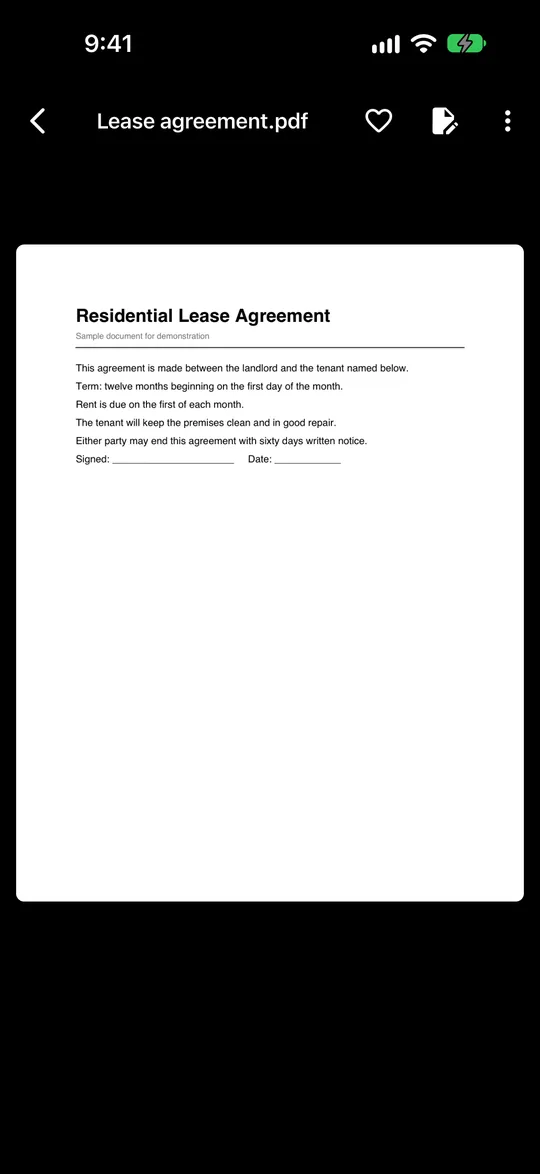
Open any PDF in your vault to read it. Pages are shown in a scrolling column, and tapping a page lets you zoom right in.
In the editor you can hold a page and drag it to a new position, rotate it, or remove it. You can add pages by scanning them on the spot, or join another PDF from your vault onto the end.
Redact hides anything that should not be readable, either with a solid black box or by erasing it so the paper looks untouched. Sign lets you draw your signature with a finger, drag it into place and size it.
Saving always creates a new PDF and leaves the original alone. An edited PDF is made of page pictures, which is what makes redaction permanent. The trade-off is that text in an edited PDF can no longer be selected or searched.
Password-protected PDFs cannot be opened in Vaultan. Export them to another app instead.
Questions
Is my PDF uploaded to be edited?
No. Editing happens on your phone, inside your encrypted vault.
Does editing change my original PDF?
No. Saving creates a new PDF and leaves the original as it was.
Can I still select text after editing?
No. An edited PDF is made of page pictures, so its text cannot be selected or searched.
How it compares
Browser tools
Split a PDF
Pull out the pages you need, or split every page into its own PDF, without uploading the file.
Rotate and reorder PDF pages
Turn pages the right way up, drag them into a new order and delete the ones you do not need.
Compress a PDF
Make a PDF smaller in your browser, and see the real size before and after.
PDF to JPG
Turn PDF pages into JPG or PNG pictures at the resolution you choose, without uploading the file.
Add page numbers to a PDF
Number the pages of a PDF: choose the position, format, size and starting number.
